For people, not just builders
Desktop alpha + source sampleTake the tour before you connect anything.
You can install a real desktop alpha today, or run the newer source-based sample and challenge the latest explanations using a made-up profile. Start with the path that matches what you want to learn.
Before you start
Choose the desktop alpha when you want
the quickest packaged-app experience, with no source checkout. Choose
the current source path when you want
the newest guarded fictional sample and latest source capabilities.
The alpha is unsigned and older; the source route requires a local
development environment. If your goal is a real inbox rather than the
tour, the alpha's optional
BYO Google wizard can connect Gmail
using an OAuth app you create and control. Keep the alpha running and
use the wizard in its desktop window for first-account setup. An
already authenticated browser session can use the same local page at
http://localhost:3200/#/connect-gmail; a fresh browser
does not inherit the desktop session.
You do not need an API key, a Gmail login, a Microsoft login, or a model download to take the current source sample tour or inspect the fail-closed Watches state. The recommended source first run starts the dashboard and seeds fictional data locally.
- Choose the data boundary deliberately. The current sample is isolated. The alpha can ingest a real Gmail inbox, but that is advanced, older functionality with explicit credential and unsigned-build risks; use a test account first.
- Do inspect the reasons. Look for the evidence, risk, urgency, policy result, and whether the system stopped to ask.
- Do use the pause control after leaving the sample. It demonstrates that control is explicit throughout the full development profile.
A five-minute walkthrough
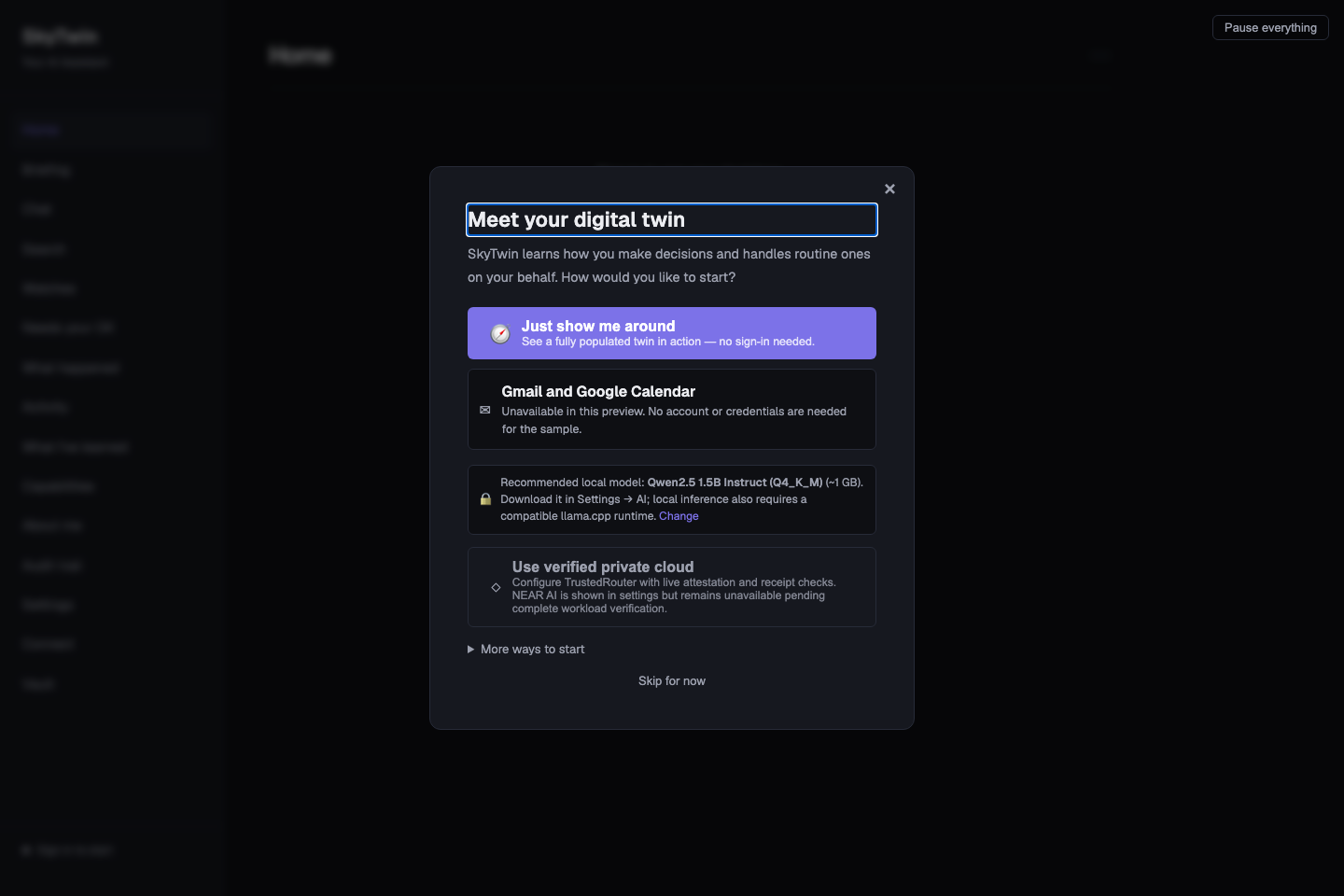
- Open the dashboard. Choose Just show me around. This opens a disposable sample session; it does not sign in or authorize any account.
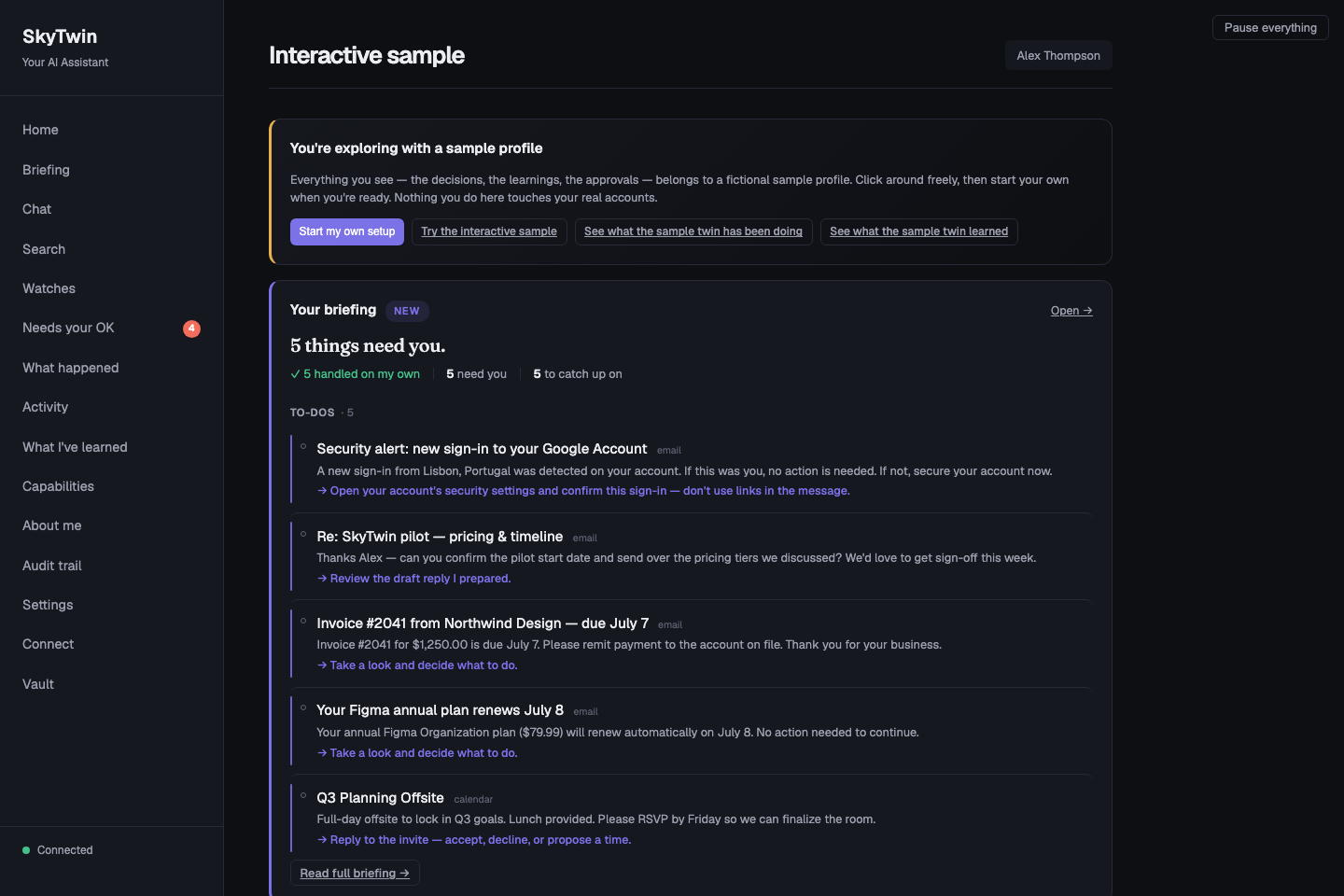
- Read the briefing. It is a compact list of things that need attention in the fictional profile. This is a useful way to judge whether summaries are understandable before you trust any system with real information.
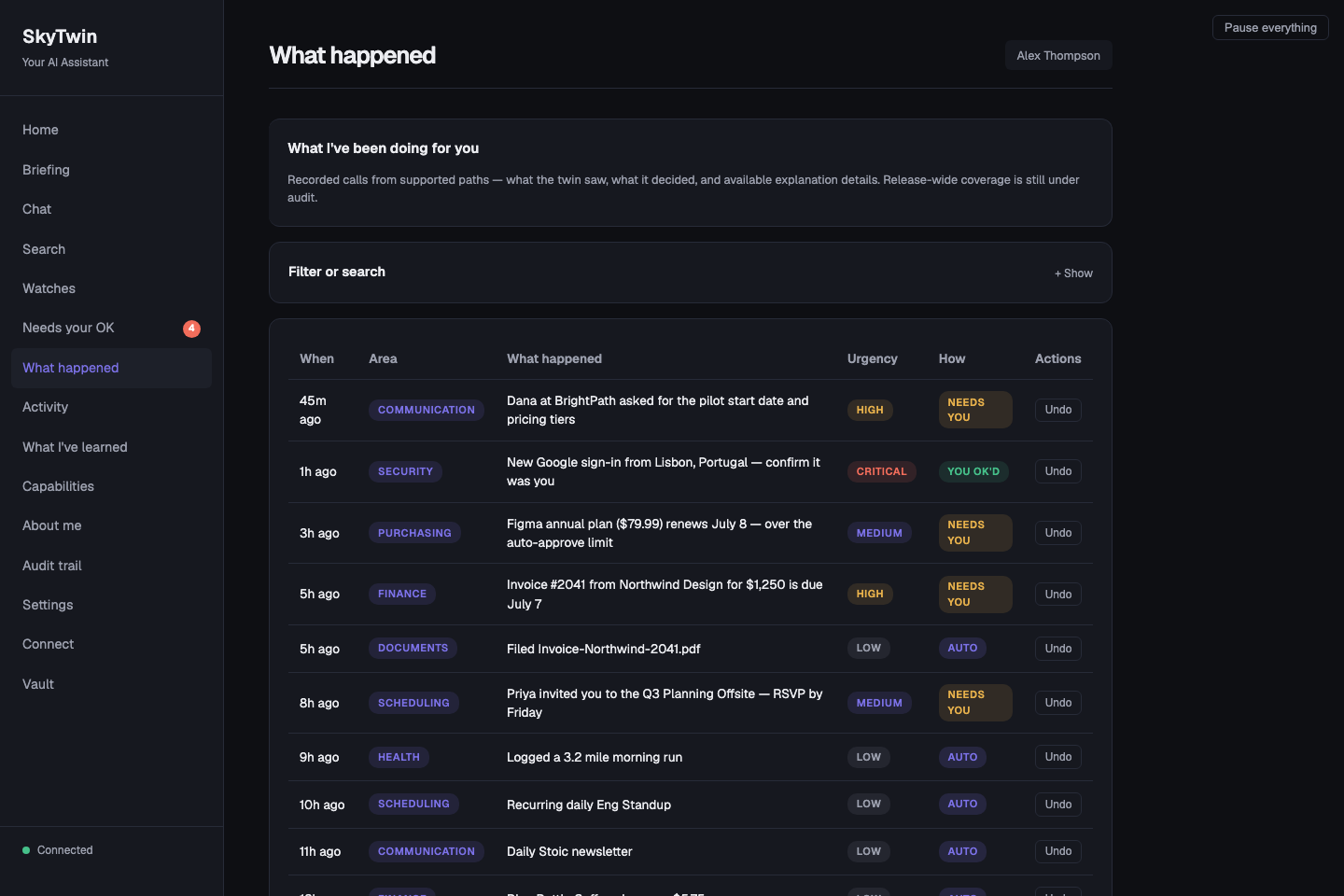
- Open “Needs your OK” and “What happened.” Compare items that need a person with items the sample marks as already handled. Read the category, urgency, and the reason shown for each entry.
- Leave the sample before inspecting full-product controls. Choose Start my own setup in the sample banner. In the local seeded development run, select the source-development profile from the header's user switcher if it is not already active. Settings and Watches do not accept the disposable sample credential; switching profiles does not turn the sample into a connected account.
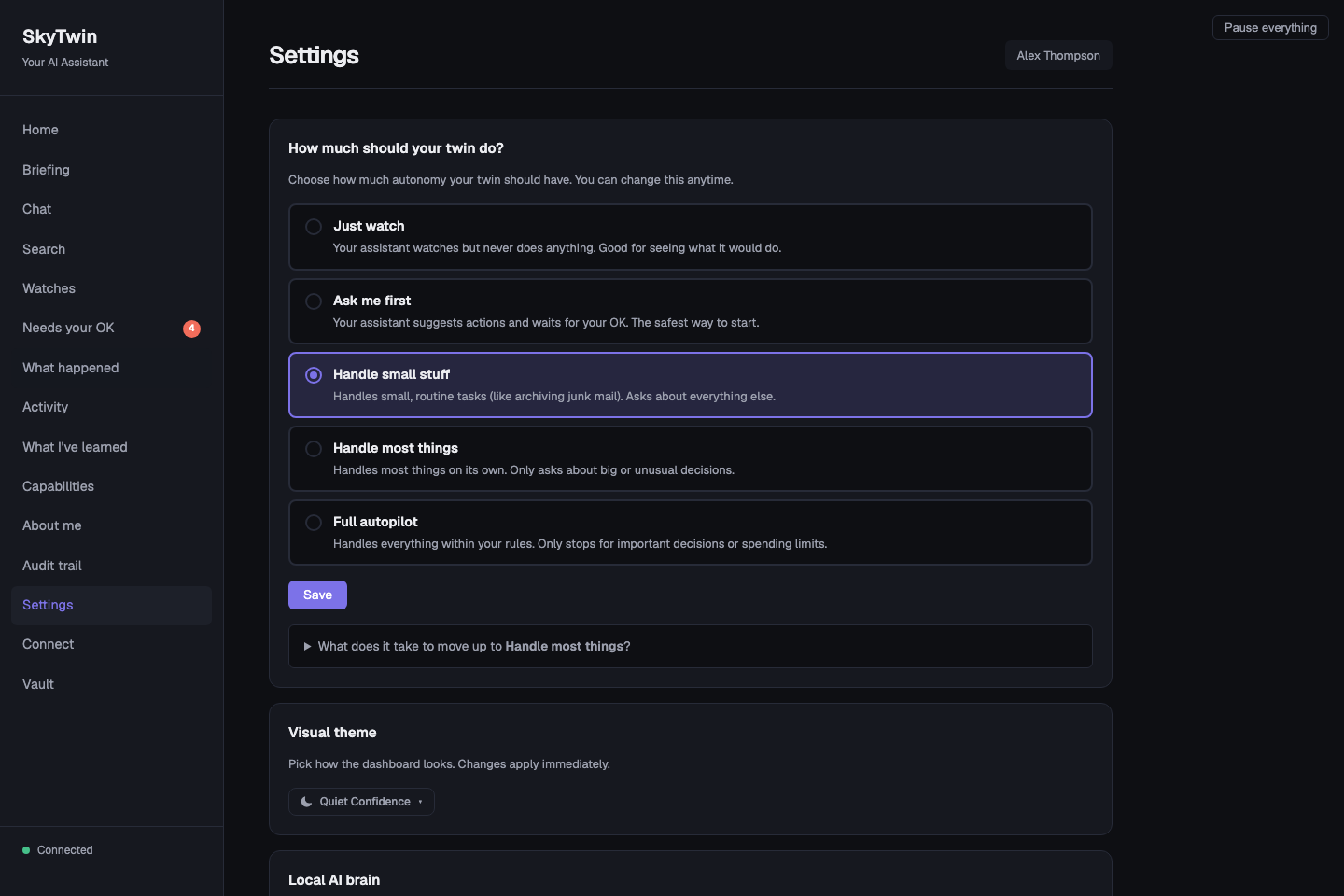
- Visit Settings. In the seeded development profile, find the trust and spend controls, then find the pause control. The preview is an opportunity to ask whether the control model makes sense to you—not a prompt to turn on autonomy.
- Inspect Watches. In the same development profile, verify that authoring fails closed when no qualified artifact/runtime pair is available. Then read how a versioned, read-only signal digest is proposed, replayed, activated, revised, and rolled back; the current maintained embedded model is not qualified to author one.
- Read the boundaries. Continue with the safety guide, inference guide, and workflow guide. They distinguish local reasoning, explicit hosted-provider use, interactive fail-closed TrustedRouter, unavailable NEAR AI, and model output from execution authority.
What you will see
Captured September 16, 2026 from the current source development run
after pnpm db:seed. The onboarding, briefing, and
decision-history captures use the disposable sample. The Settings
capture uses the seeded source-development profile. All people,
accounts, decisions, and messages shown are fictional demo content.
What comes next—and what does not
If the walkthrough is useful, install the desktop alpha, read the architecture guide, operate a current source checkout using the operations guide, or build a constrained integration with the agent protocol. The project remains a developer preview: BYO Gmail is available in the historical alpha and explicit experimental source mode, but no supported managed Google service or supported Microsoft setup exists. The alpha's historical bundled identity/Calendar client ID is not a current support or verification claim. The unsigned alpha is not the current guarded sample, and signing, notarization, clean-machine proof, and release evidence are still public-beta gates.